If you’re supplying your own design, a few minutes of prep saves a lot of back-and-forth, and avoids surprises off the press. Here’s the checklist our prepress team runs on every file, in plain English. (No print-ready file? No problem. We’ll build or fix it for you.)
1. Bleed: extend the background past the edge
If your design has colour or images that run to the edge of the page, extend them 1/8” (0.125”) past the trim line on all sides. This “bleed” gives the cutter room so you never end up with a thin white sliver on an edge.
2. Safe margin: keep text away from the cut
Pull important text and logos at least 1/8” inside the trim line. Cutting has a tiny tolerance, and anything too close to the edge risks getting clipped.
3. Resolution: 300 DPI at final size
Images should be 300 DPI at the size they’ll print. A photo that looks crisp on screen can still be too low-res for print, screens are ~72 to 96 DPI. Blowing a small image up to banner size is the most common cause of a blurry result.
4. Colour: design in CMYK
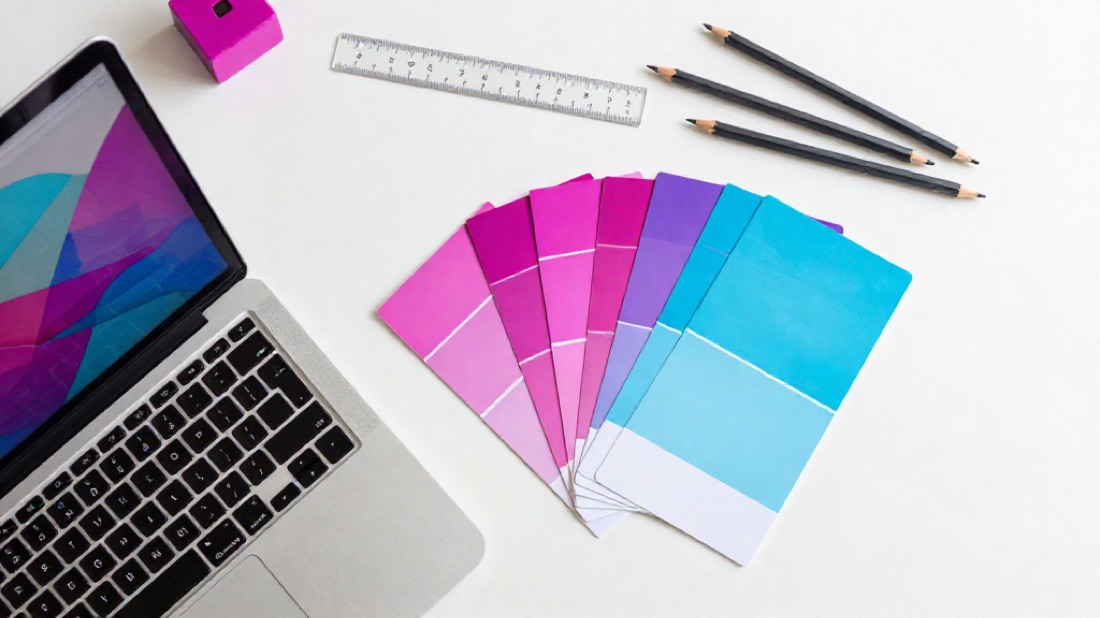
Print uses CMYK inks, not the RGB your screen uses. Bright RGB blues and greens can shift when converted. Designing (or at least previewing) in CMYK means what you see is closer to what prints. Have a brand colour that must match exactly? Give us the Pantone (PMS) number.
5. Fonts: embed or outline
Fonts that aren’t embedded can reflow or substitute on another computer. Export a PDF with fonts embedded, or outline your text in vector software so letters become shapes.
6. File format: PDF is king
A print-ready PDF (with bleed, fonts embedded, 300 DPI, CMYK) is ideal. We also accept AI, PSD, high-res PNG and JPG.
The 30-second version
- 1/8” bleed on edges ✓
- Text 1/8” inside the trim ✓
- 300 DPI at final size ✓
- CMYK colour (Pantone for exact matches) ✓
- Fonts embedded or outlined ✓
- Export as PDF ✓
Send us your file and we’ll preflight it before anything prints, checking resolution, colour, bleed and fonts, and flagging anything that needs a fix. You’ll always approve a proof first, so there are no surprises.